
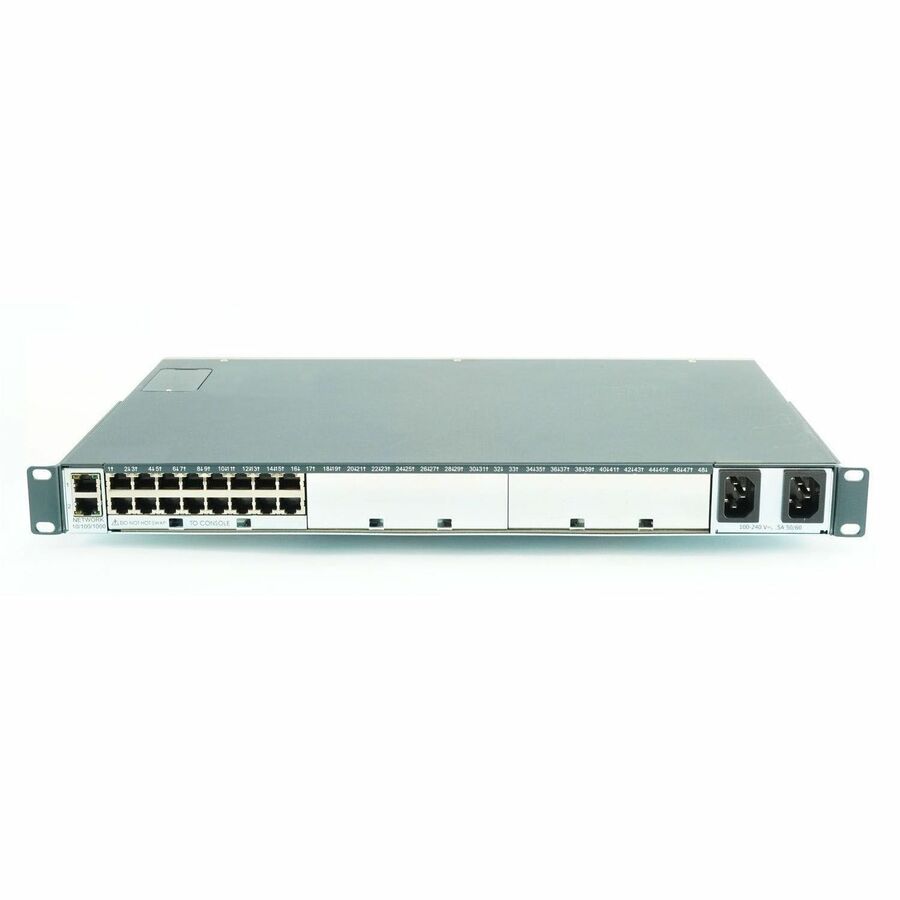
Lantronix SLC80162201G — SLC 8000 16-Port Console Manager
$3,260.00
Ships from and sold by A5 IT

Free 2-3 Day Shipping within the United StatesArrives by Thursday, Oct 29
New, with full manufacturer warranty
Key Features
- 16 RJ-45 ports for console management
- Dual AC power supply configuration
- Rack-mount form factor for infrastructure deployments
- Secure remote access to IT equipment
- Telnet/SSH and web browser-based console client access without proprietary software
- TAA and RoHS listed configuration
The Lantronix SLC 8000 advanced console manager provides secure remote access to IT equipment and central monitoring, management, and troubleshooting for system administrators, quality engineers, and test engineers. This SLC80162201G configuration is a 16-port RJ45, rack-mount model with dual AC power supply. It is listed with TAA and RoHS and is intended for remote management. Users can access SLC 8000 device ports via Telnet/SSH or a web browser-based console client without proprietary software.
Ideal For
- Remote administration and management of IT equipment
- Central monitoring, management, and troubleshooting
- Console access for system administrators, quality engineers, and test engineers
- Rack-mounted remote management deployments that specify TAA and RoHS
Specifications
| Depth | 12" |
| Height | 1.8" |
| Port Type | RJ-45 |
| Compliance | RoHS |
| Port Count | 16 |
| Form Factor | Rack Mount |
| Power Supply | Dual AC |
| Limited Warranty | 3 Year |
| Application Usage | Remote Management |
| Trade Agreement Act | TAA |
Frequently Asked Questions
How many ports does SLC80162201G include?▾
SLC80162201G is listed as a 16-port RJ45 SLC 8000 advanced console manager.
What power supply configuration does this model have?▾
This SKU is configured with a dual AC power supply.
Is the SLC80162201G rack mountable?▾
Yes. The listed form factor is rack mount, with a height of 1.8" and depth of 12".
How can users access the device ports?▾
Users can access SLC 8000 device ports via Telnet/SSH or a web browser-based console client without proprietary software.
Support & warranty plans
Lantronix LEVEL coverage for this part. Add a plan at the time of purchase to lock in the term from the ship date.
- 1-year technical support
SLC80162201G-L1Y1
$293.29 - 3-year technical support
SLC80162201G-L1Y3
$855.41 - 5-year technical support
SLC80162201G-L1Y5
$1,384.95 - 1-year extended warranty & technical support
SLC80162201G-L2Y1
$521.40 - 3-year extended warranty & technical support
SLC80162201G-L2Y3
$1,515.30 - 5-year extended warranty & technical support
SLC80162201G-L2Y5
$2,444.03
Related Products
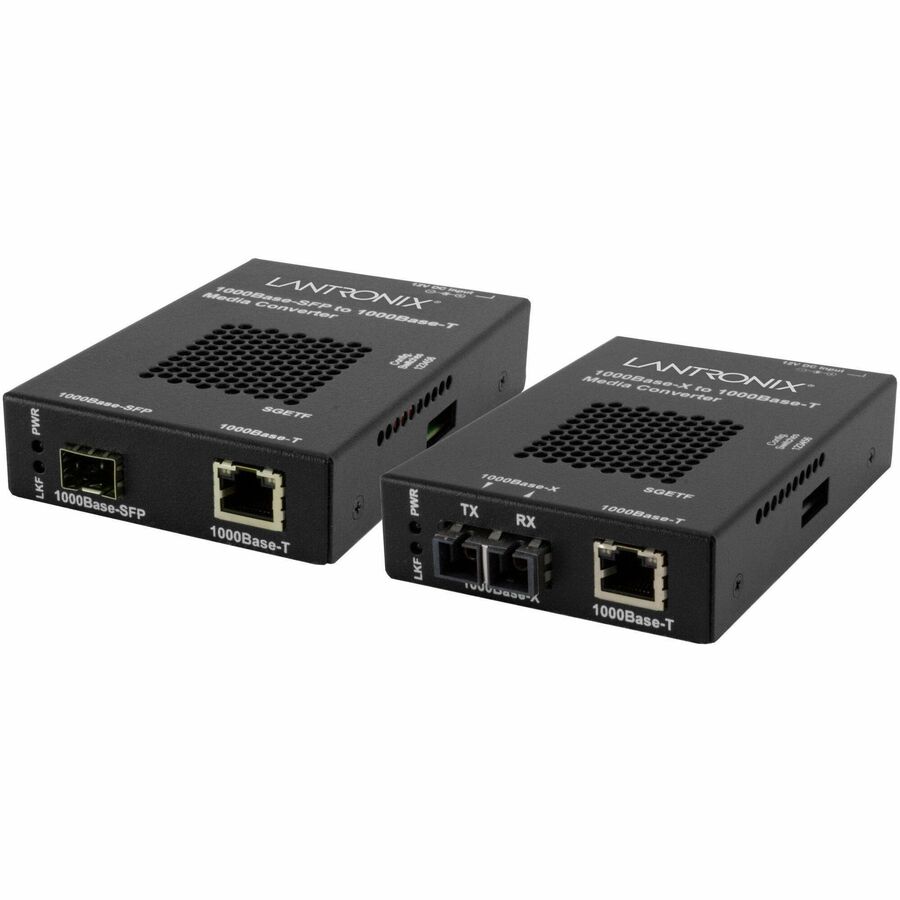
Lantronix 1000BASE-T to 1000BASE, SFP- NA
Lantronix · SGETF1040-110-NA
$413.00
In StockFree 2-3 Day
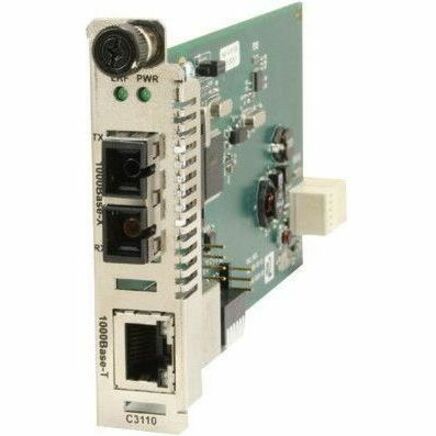
Lantronix 1000BASE-T to 1000BASE-SX, ION CARD, MM, LC, 2KM, Via an SFP Module
Lantronix · C3110-1039
$534.00
Out of Stock
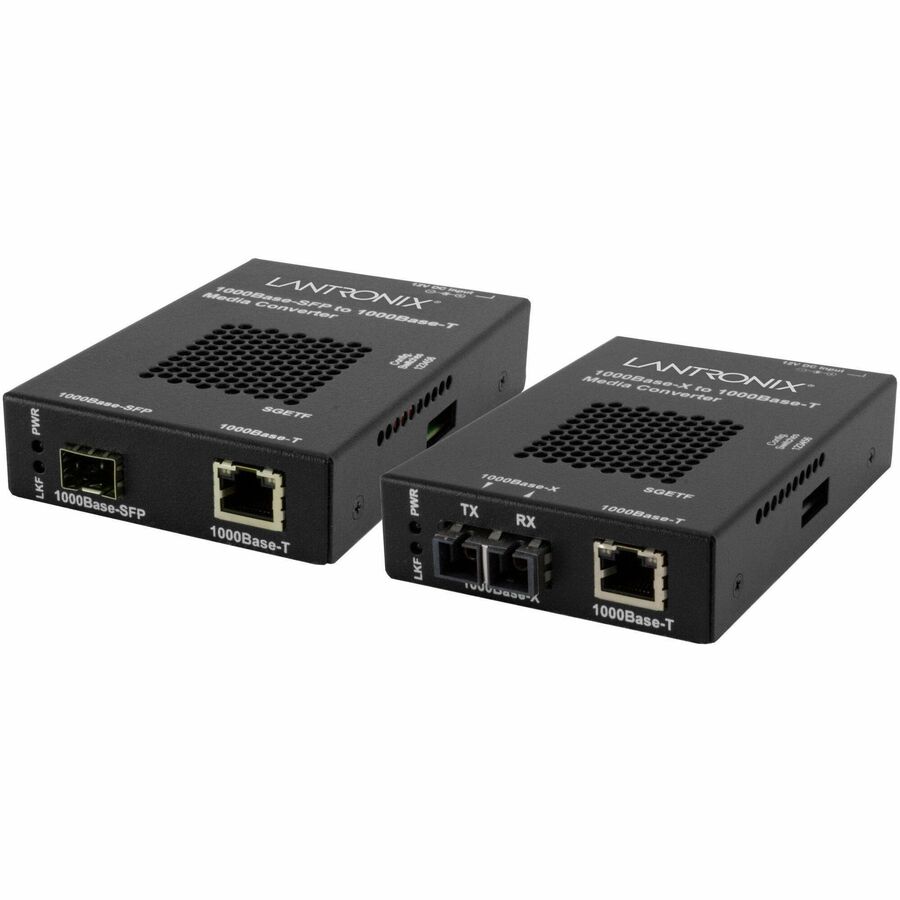
Lantronix 1000BASE-T to 1000BASE-SX/LX, MM LC, 220M- NA
Lantronix · SGETF1039-110-NA
$534.00
Out of Stock
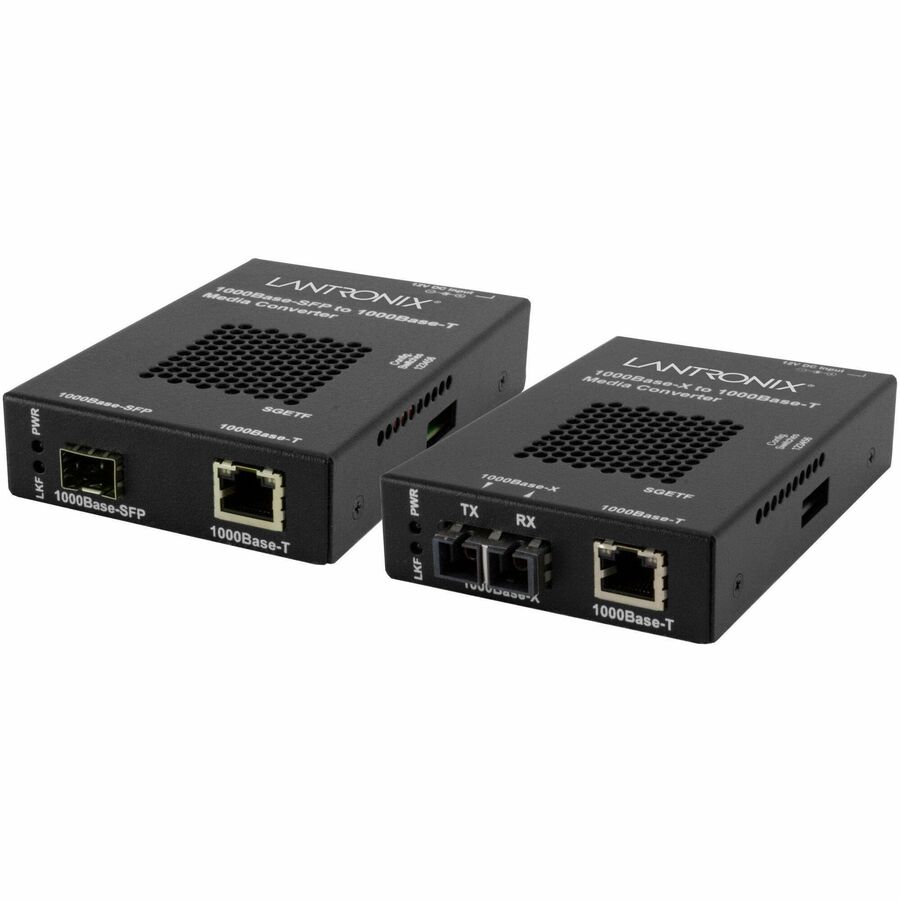
Lantronix 1000BASE-T to 1000BASE-SX/LX, MM, SC, 220M- NA
Lantronix · SGETF1013-110-NA
$479.00
In StockFree 2-3 Day

Lantronix 100BASE-TX RJ-45 to 100BASE-FX, MM LC W/ -NA Power Supply
Lantronix · E-100BTX-FX-06(LC)-NA
$308.00
In StockFree 2-3 Day